Business Letter Generator
Write a formal letter with a proper letterhead, clean formatting and your signature, then download it as a print-ready PDF.
- Free, no watermark
- No sign-up
- Stays on your device
How to create a business letter
- 1
Set up your letterhead
Add your name, title, company and contact details, with an optional logo.
- 2
Write your letter
Add the recipient, subject and body. Use bold, italics and lists where they help.
- 3
Sign and download
Draw, type or upload your signature, choose a style and download the PDF.
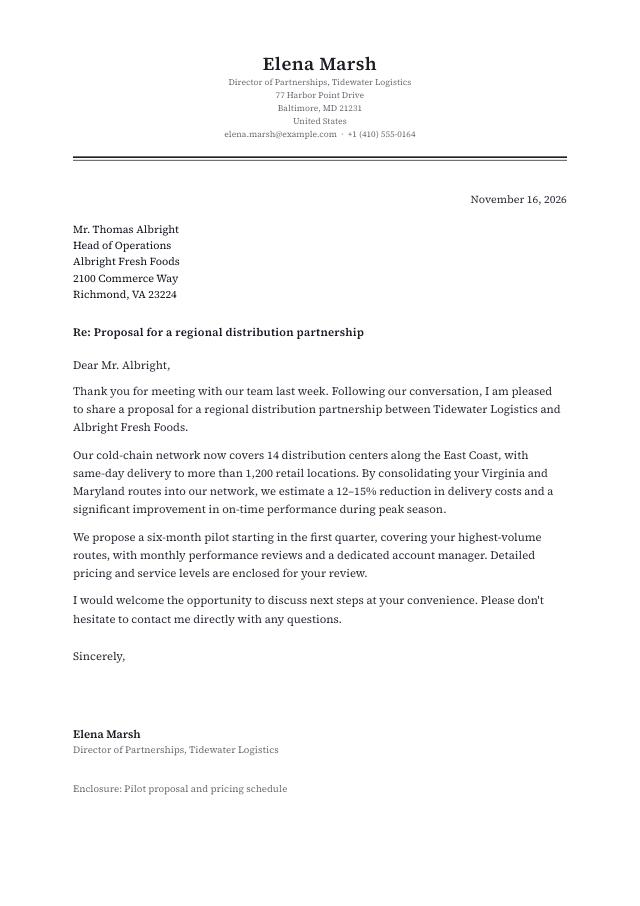
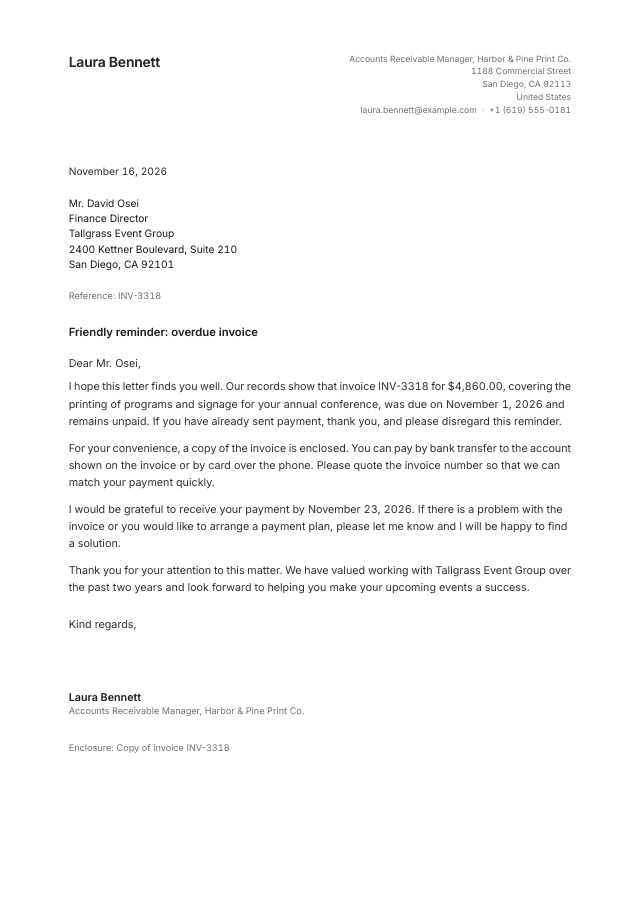
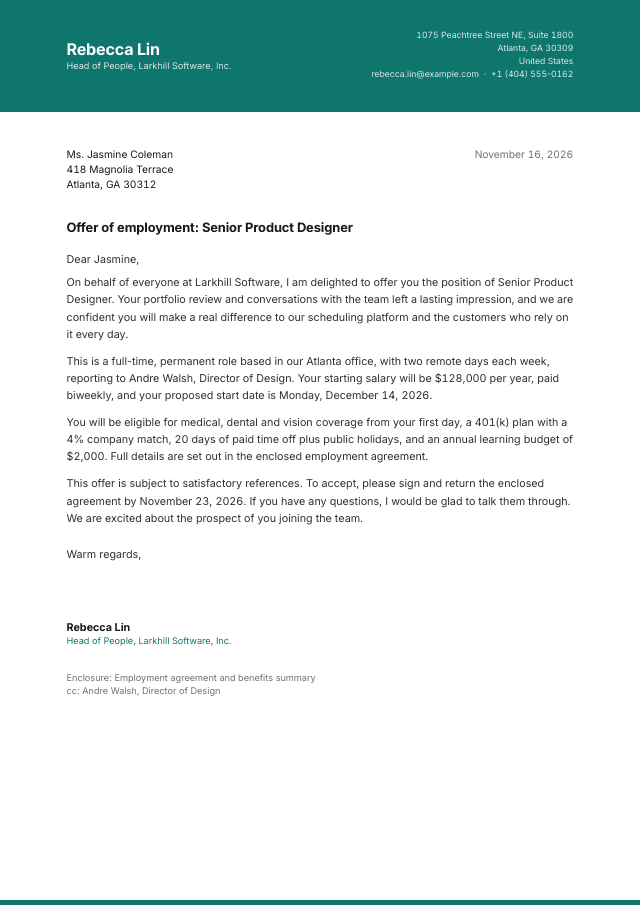
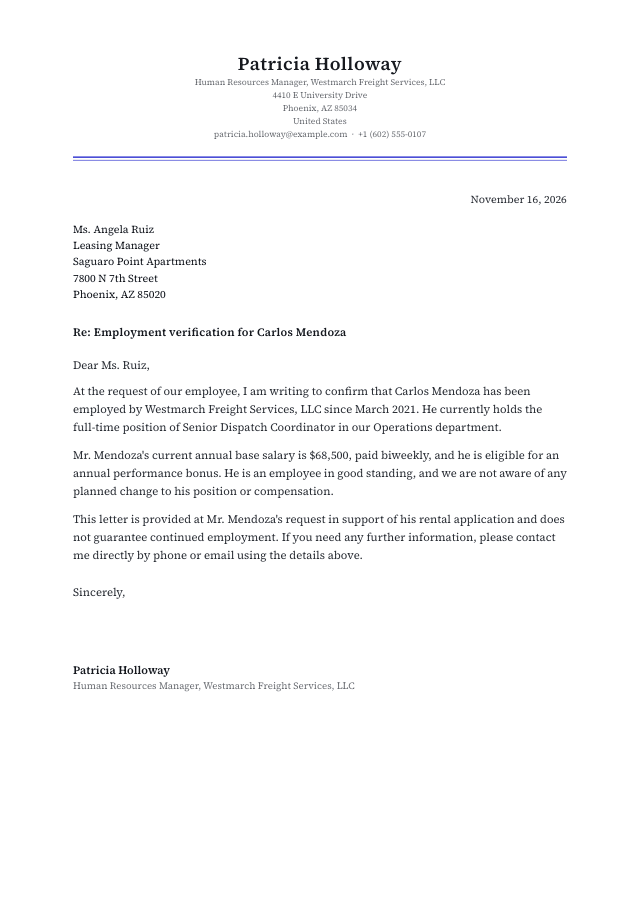
The parts of a business letter
Formal letters follow a familiar structure that readers expect:
- Letterhead
- Your name or company, address and contact details.
- Date
- The date the letter is written.
- Inside address
- The recipient's name, title, company and address.
- Subject line
- A short summary so the reader knows what the letter is about.
- Salutation and body
- A formal greeting followed by concise paragraphs.
- Closing and signature
- A closing such as “Sincerely,” followed by your signature, name and title.
Business letter templates
Start from a ready-made design and make it yours.
Questions & answers
Everything you need to know about the business letter generator.