Cover Letter Generator
Write a focused cover letter in a design that matches your resume, then download it as a PDF. Your details can be copied from your resume in one click.
- Free, no watermark
- No sign-up
- Stays on your device
How to create a cover letter
- 1
Start from your resume
Copy your name and contact details from your resume, or type them in.
- 2
Write your letter
Address the hiring manager, name the role and back it up with one or two results.
- 3
Download
Choose the same design as your resume and download a print-ready PDF.
How to structure a cover letter
A strong cover letter is short, specific and about the employer. A simple structure:
- Address a person
- Use the hiring manager's name when you can find it.
- Open with the role
- Say which position you're applying for and why it caught your eye.
- Prove it
- Pick one or two achievements that match what the job needs.
- Show why this company
- Mention something specific about the team, product or mission.
- Close with a next step
- Thank them and say you'd welcome a conversation.
- Keep it to one page
- Three or four short paragraphs are plenty.
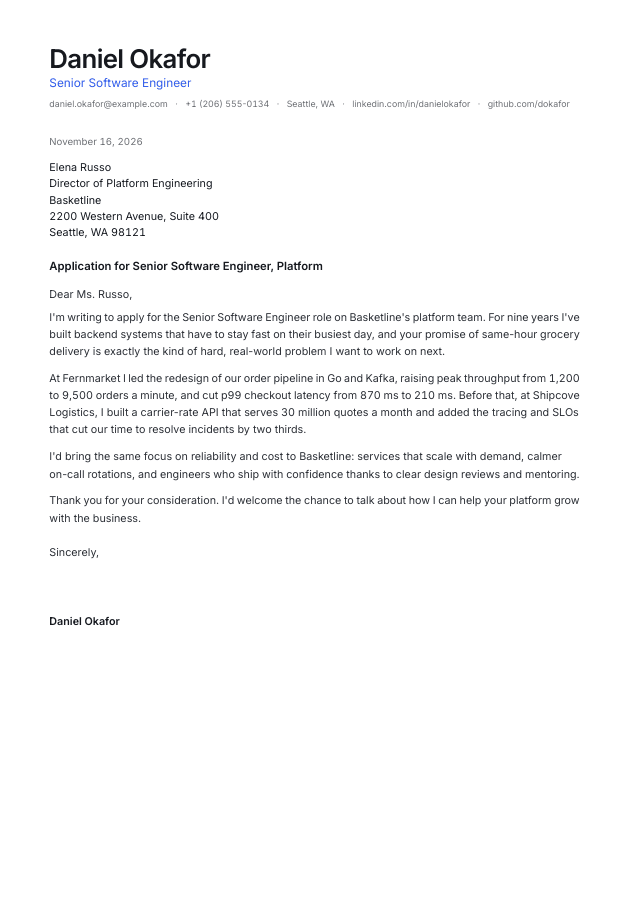
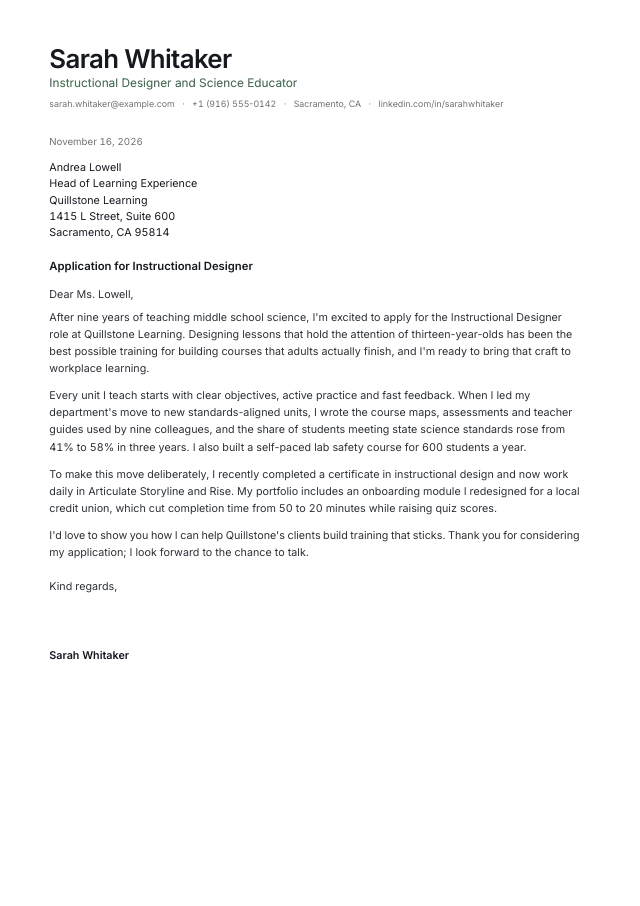
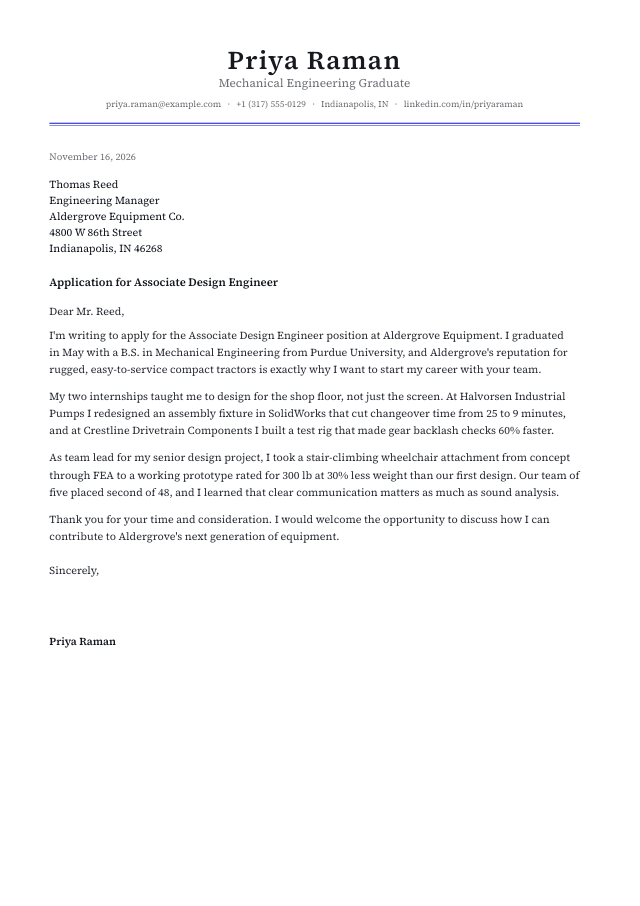
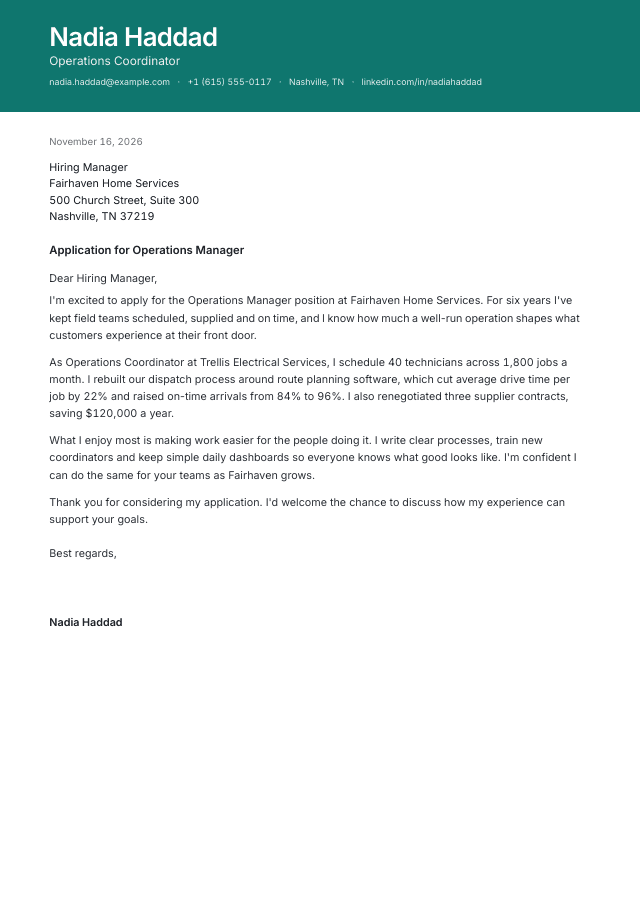
Cover letter templates
Start from a ready-made design and make it yours.
Questions & answers
Everything you need to know about the cover letter generator.