Invoice Generator
Create a professional invoice and download it as a PDF. Totals, tax and discounts are calculated for you — free, private and without an account.
- Free, no watermark
- No sign-up
- Stays on your device
How to create a invoice
- 1
Add your details
Enter your business and client information, and upload your logo if you have one.
- 2
List what you're billing
Add products, services or hours. Subtotal, discount, tax and balance due update as you type.
- 3
Download the PDF
Pick a style, check the live preview and download a print-ready A4 or US Letter PDF.
What to include on an invoice
A complete invoice gets paid faster and keeps your records clean. Most invoices should include:
- A unique invoice number
- Sequential numbers such as INV-0042 make invoices easy to track and reference.
- Issue and due dates
- State when the invoice was issued and when payment is expected, for example Net 30.
- Seller and buyer details
- Legal names, addresses and, where required, tax or VAT registration numbers.
- Itemized charges
- A description, quantity and price for each product or service.
- Tax and discounts
- Show the tax rate and amount separately, and any discount applied.
- Payment instructions
- Bank details or a payment link, plus your payment terms and any late fees.
Invoice templates
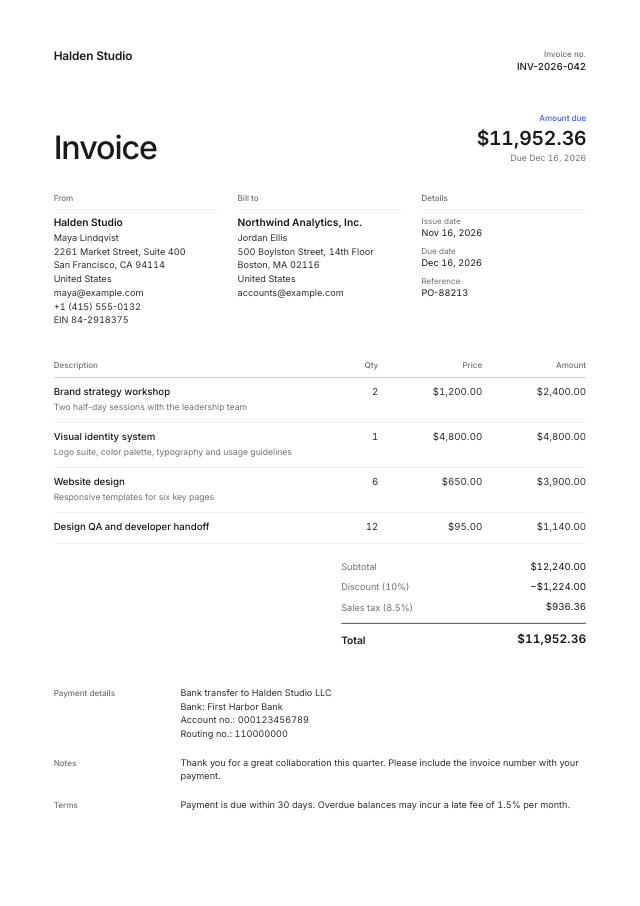
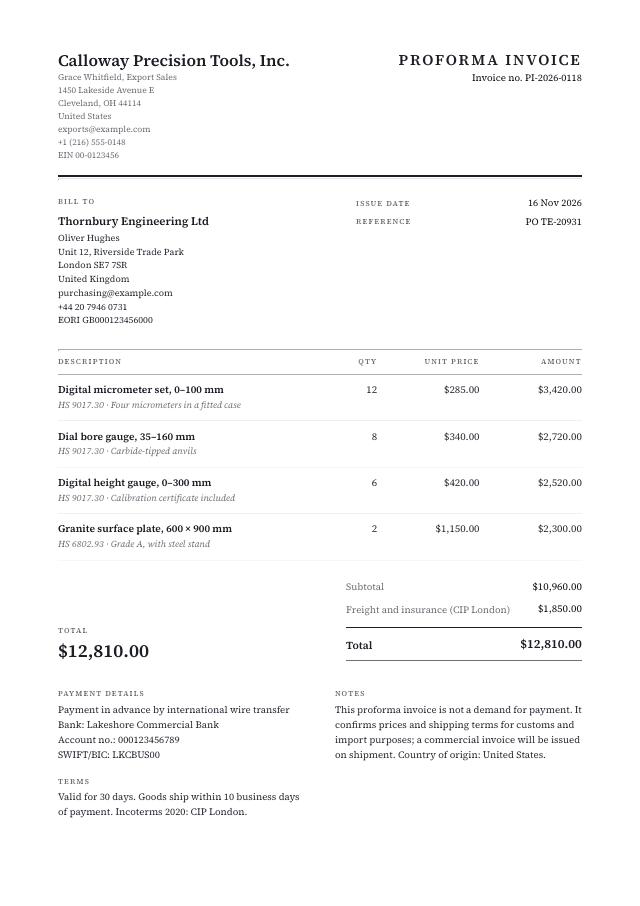
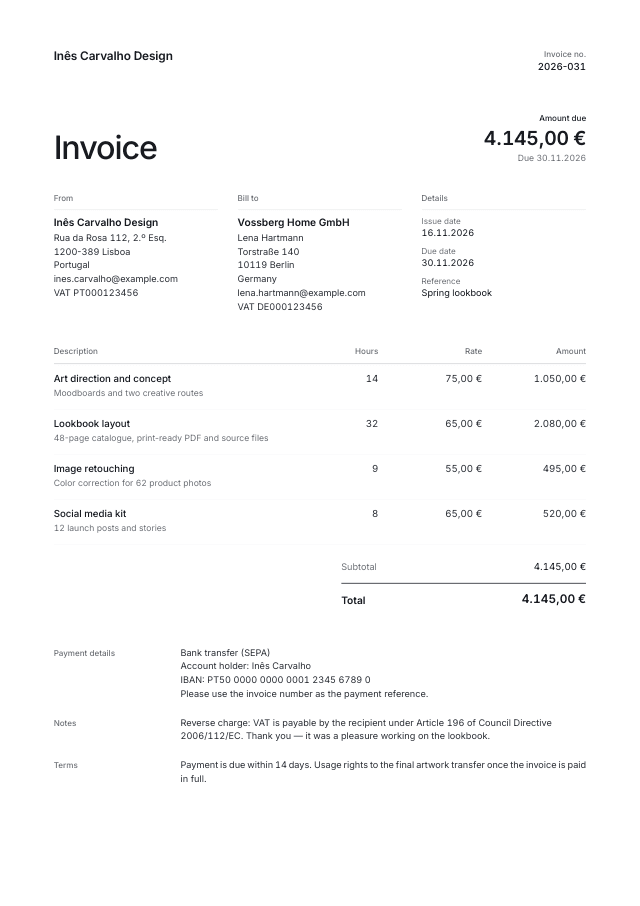
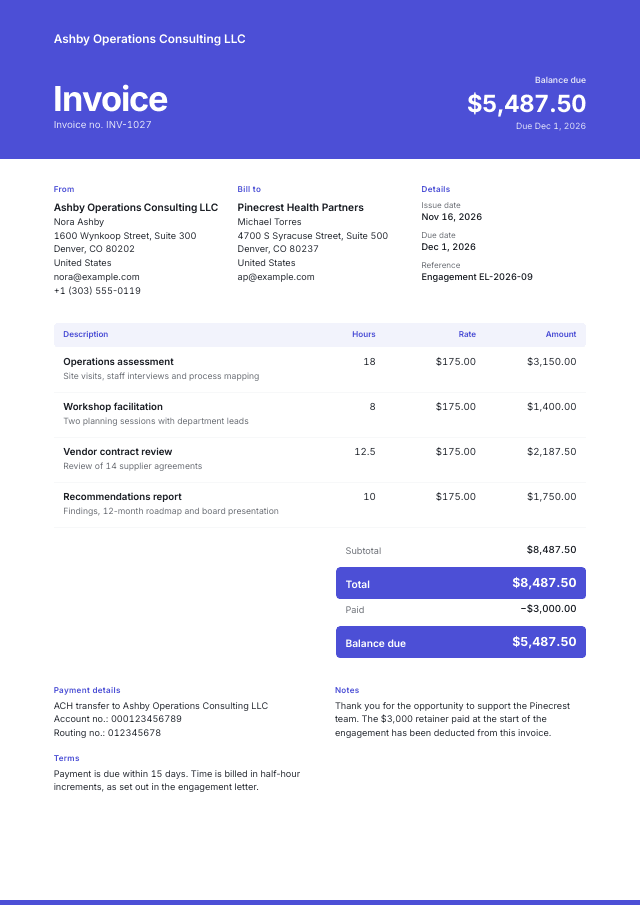
Start from a ready-made design and make it yours.
Questions & answers
Everything you need to know about the invoice generator.