Quote & Estimate Generator
Put together a clear, professional quote or estimate and download it as a PDF. Totals update as you type, and your client can sign to accept.
- Free, no watermark
- No sign-up
- Stays on your device
How to create a quote
- 1
Describe the project
Add your client, a project name and how long the quote is valid.
- 2
Price the work
List services, products or hours with rates. Add a discount or tax if needed.
- 3
Send it for approval
Download a PDF with an optional signature block your client can sign to accept.
What to include in a quote
A good quote removes doubt before work starts. Include:
- Scope of work
- What is and isn't included, so expectations are clear.
- Itemized pricing
- Each service or product with quantity, rate and amount.
- Validity date
- How long the price stands, typically 14 to 60 days.
- Taxes
- Whether prices include or exclude tax, and at what rate.
- Payment terms
- Deposits, milestones and when the balance is due.
- Acceptance
- A place for the client to sign and date their approval.
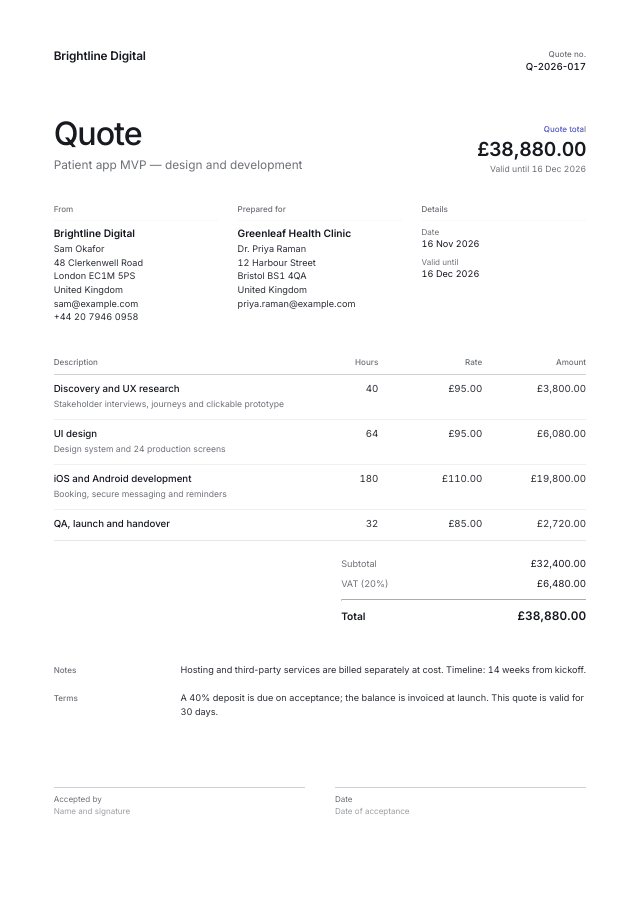
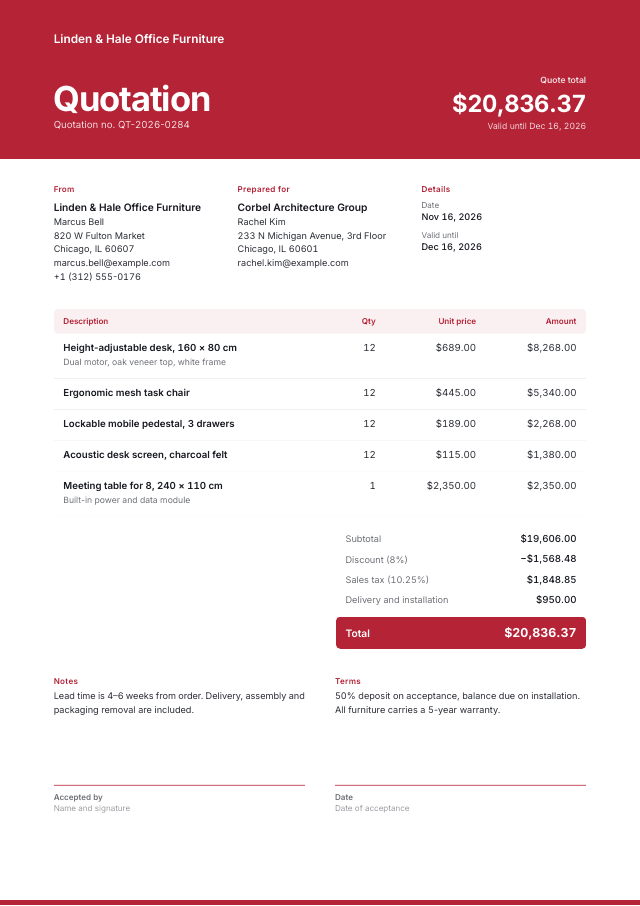
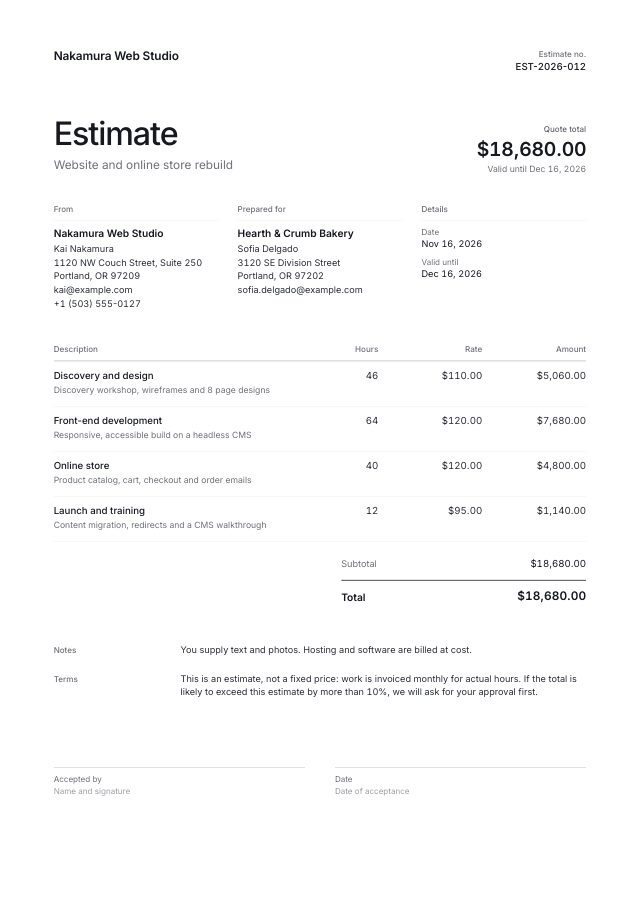
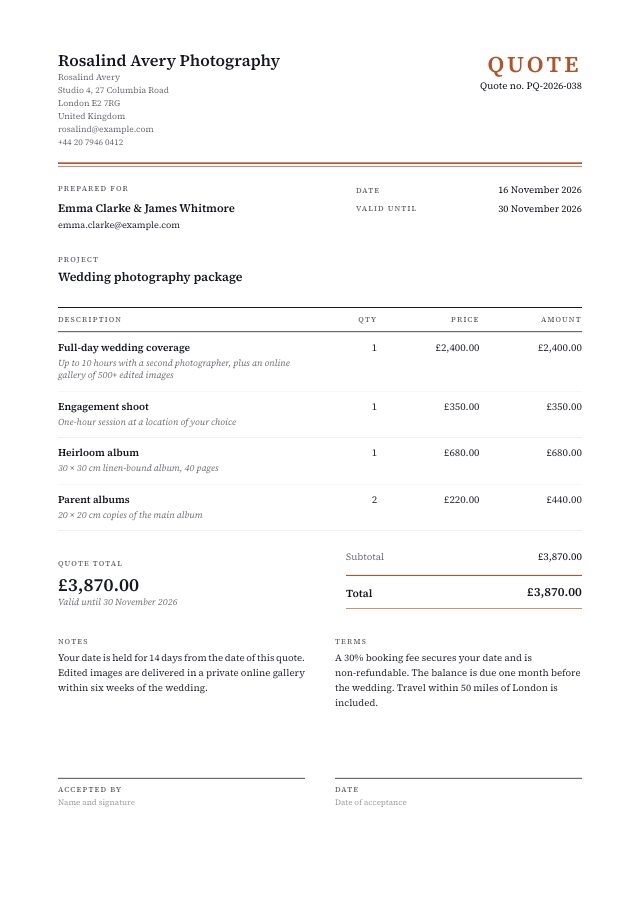
Quote templates
Start from a ready-made design and make it yours.
Questions & answers
Everything you need to know about the quote generator.