Receipt Generator
Create an itemized payment receipt for a customer, client or tenant and download it as a PDF in seconds — free and without an account.
- Free, no watermark
- No sign-up
- Stays on your device
How to create a receipt
- 1
Enter who paid whom
Add your business details and the customer's name. Your logo is optional.
- 2
Record the payment
List the items, then add the payment date, method and transaction ID.
- 3
Download and share
Choose a style and download a PDF receipt that's ready to email or print.
What a receipt should include
A good receipt is clear proof of payment for both sides. Include:
- Receipt number
- A unique reference you and your customer can quote later.
- Date of payment
- When the money was received.
- Seller and customer
- Who received the payment and who made it.
- What was paid for
- Items or services with quantities and prices.
- Payment method
- Cash, card, bank transfer or another method, plus a transaction ID if there is one.
- Total and tax
- The amount paid, with sales tax or VAT shown separately where applicable.
Receipt templates
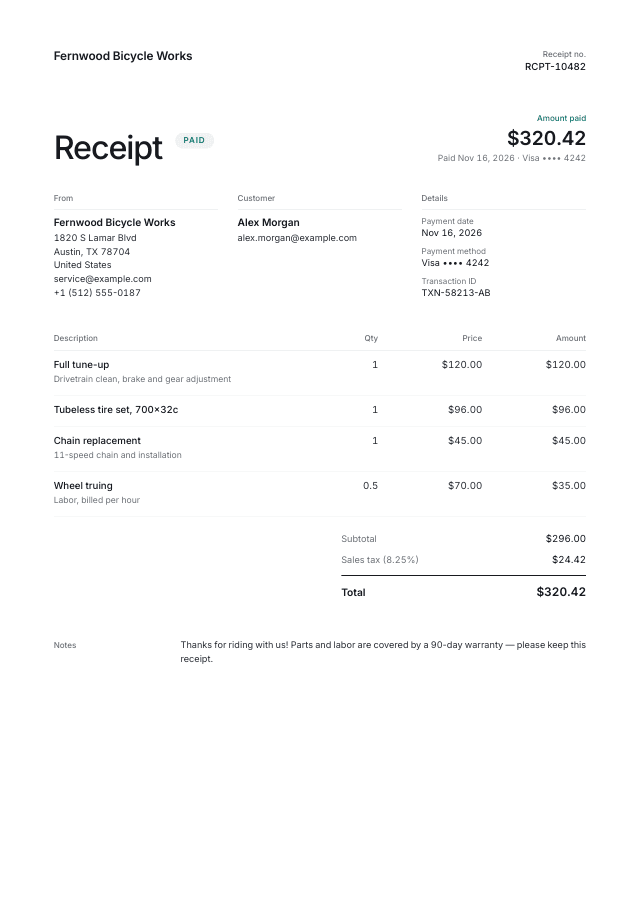
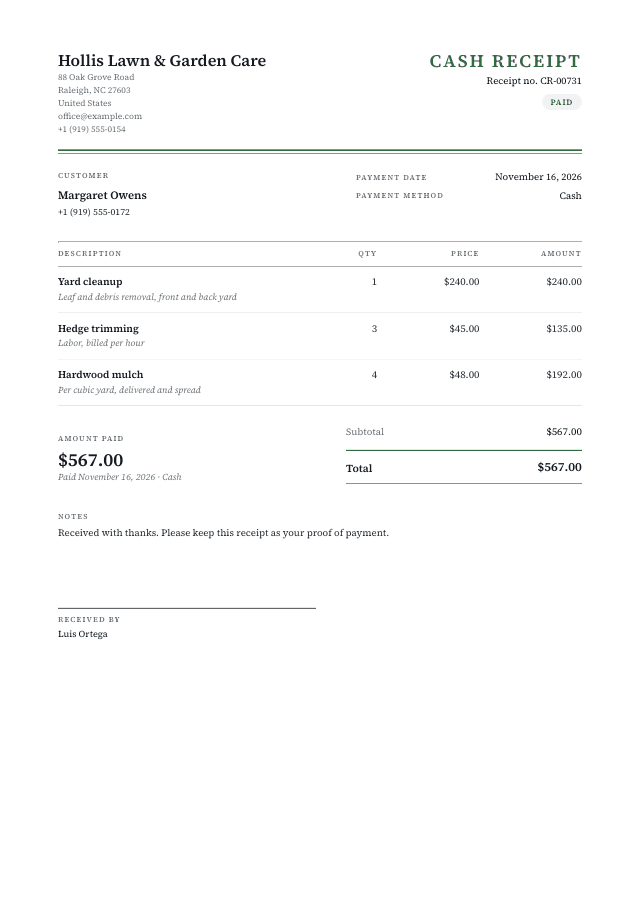
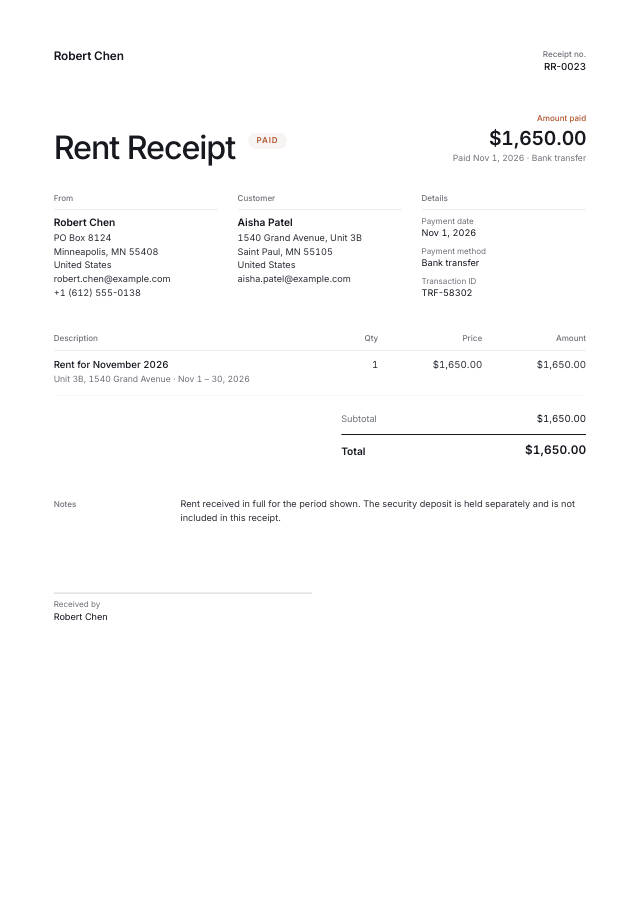
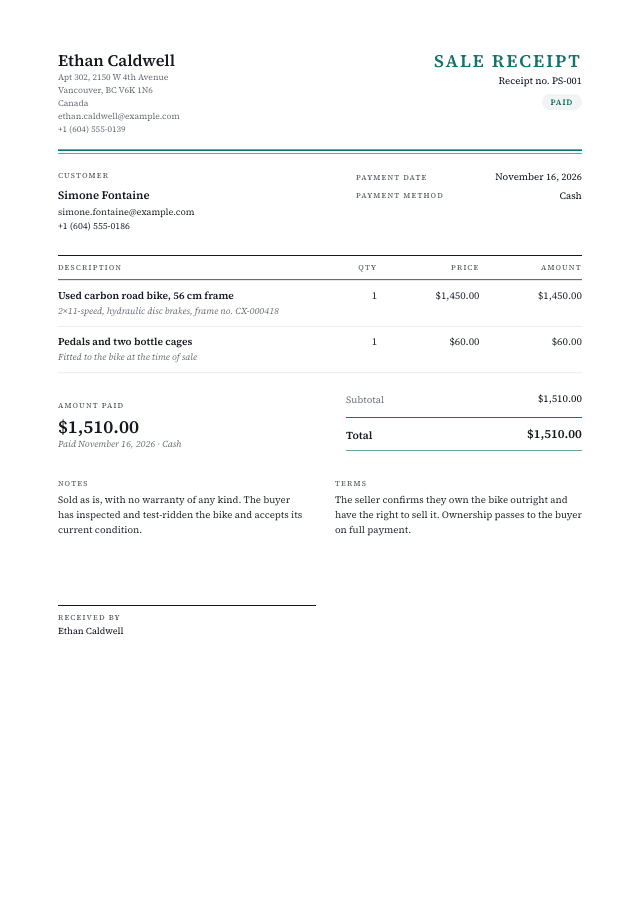
Start from a ready-made design and make it yours.
Questions & answers
Everything you need to know about the receipt generator.