Resume & CV Builder
Build a resume that recruiters and applicant tracking systems can read. Pick a design, fill in your experience and download a polished PDF — free and private.
- Free, no watermark
- No sign-up
- Stays on your device
How to create a resume
- 1
Add your experience
Fill in your experience, education and skills. Reorder, hide or rename any section.
- 2
Pick a design
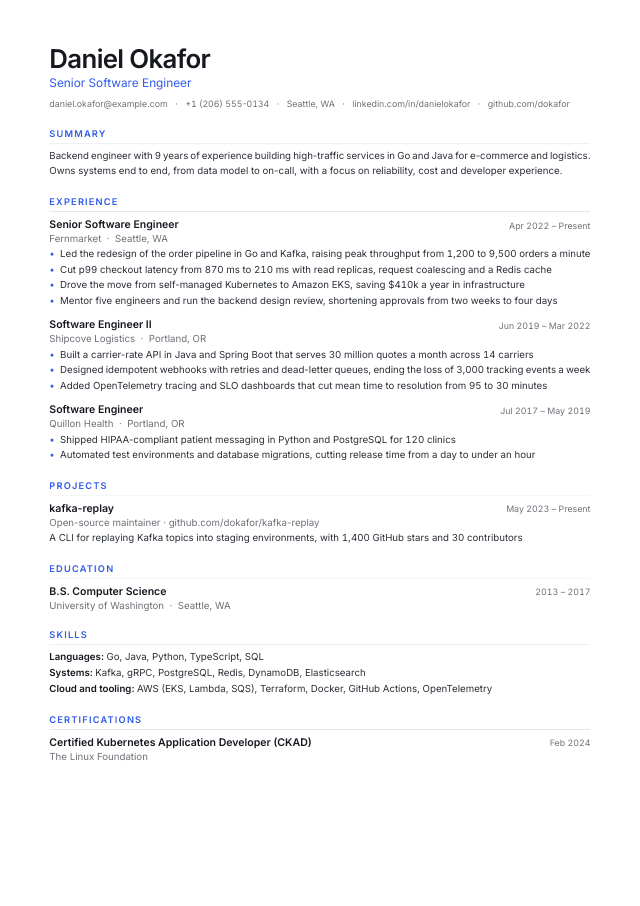
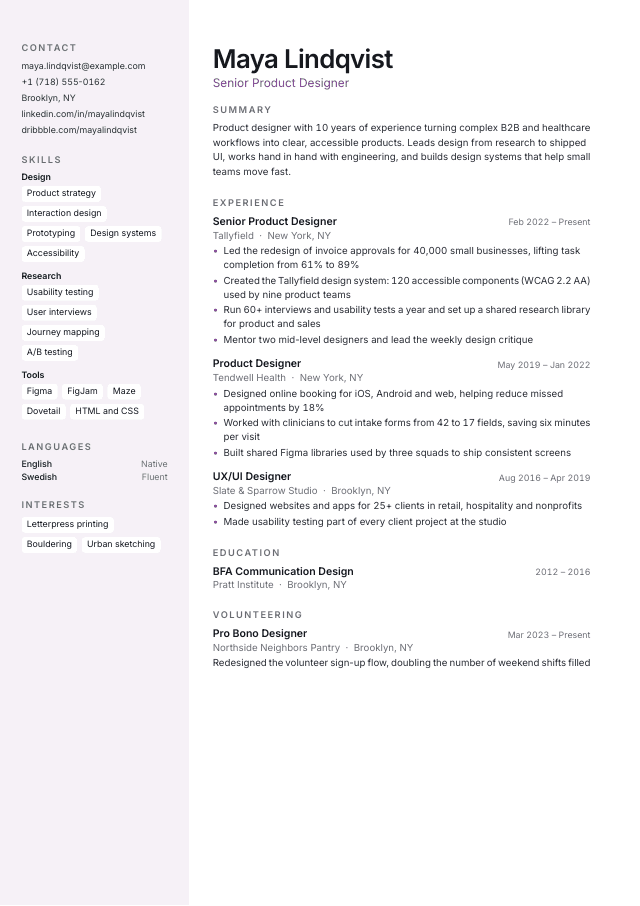
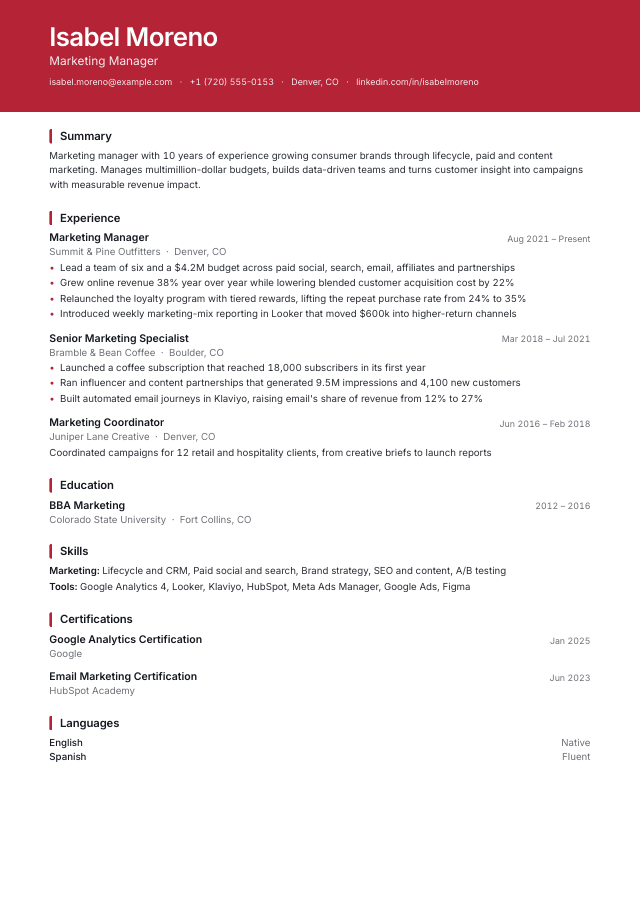
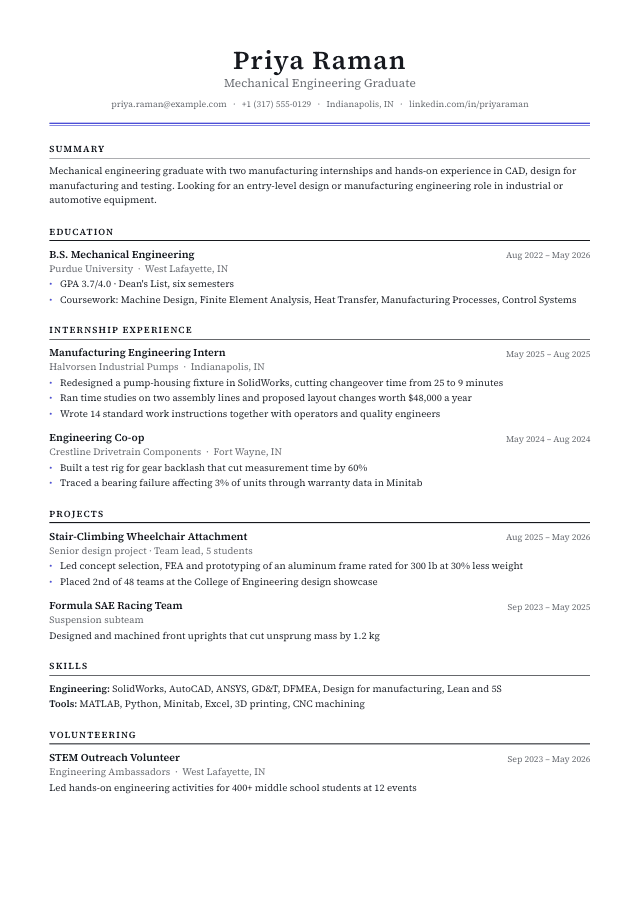
Six designs, from ATS-optimized single columns to a two-column sidebar. Adjust color, font, spacing and language.
- 3
Check and download
Run the ATS check, compare with a job ad, then download your PDF or copy it as plain text.
What makes a resume ATS-friendly
Applicant tracking systems read your resume before a person does. These habits help it come through intact:
- A single column
- Columns and text boxes can be read out of order. Our ATS-optimized designs keep one column.
- Standard headings
- Experience, Education and Skills tell the parser what each part is.
- Real text, not images
- Your PDF contains selectable text, so every word can be searched.
- Keywords from the job ad
- Mirror the skills and tools the employer asks for — wherever they're true for you.
- Clear titles and dates
- Every position needs a job title, a company and dates.
- Measurable results
- Numbers make achievements easy to scan: percentages, amounts, time saved, team size.
Resume templates
Start from a ready-made design and make it yours.
Questions & answers
Everything you need to know about the resume builder.